ADVERTISEMENT
  • politique de confidentialité
Canalmalek
No Result
View All Result
No Result
View All Result
canalmalek
No Result
View All Result
ADVERTISEMENT
ADVERTISEMENT
Home Accueil

Comment avoir YouTube foncé sur Android

canalmalek by canalmalek
11 mars 2018
in Accueil
0 0
0
0
SHARES
3
VIEWS
Partager sur FacebookPartager sur TwitterPartager sur TelegramPartager sur WhatsApp
ADVERTISEMENT

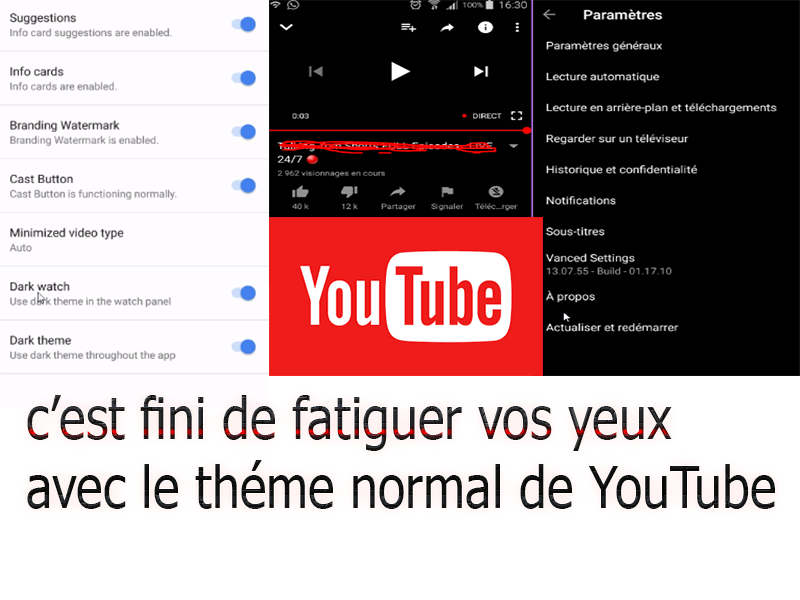
dans cet nouvel article, on va voir comment télécharger et utiliser l’application YouTube foncé, Dark theme ou tout simplement le thème noir de Youtube qui dispose de plus de fonctionnalités et protège les yeux surtout pendant la nuit et cela bien sûr sans que votre smartphone soit Rooté

.  


ADVERTISEMENT


Advertisement. Scroll to continue reading.


Advertisement. Scroll to continue reading.
ADVERTISEMENT


ADVERTISEMENT

pour télécharger l’application c’est : ici

pour plus de détails voir la vidéo ci-dessous

ADVERTISEMENT
Previous Post

optimiser l’utilisation du smartphone avec ces applications

Next Post

Comment récupérer les contacts sur les smartphones formatés, volés ou ne démarre plus

Next Post

Comment récupérer les contacts sur les smartphones formatés, volés ou ne démarre plus

ADVERTISEMENT
  • politique de confidentialité

© 2026 Tout Droit réservé à Canalmalek

Welcome Back!

Login to your account below

Forgotten Password? Sign Up

Create New Account!

Fill the forms below to register

*By registering into our website, you agree to the Terms & Conditions and Privacy Policy.
All fields are required. Log In

Retrieve your password

Please enter your username or email address to reset your password.

Log In
No Result
View All Result
  • politique de confidentialité

© 2026 Tout Droit réservé à Canalmalek

This website uses cookies. By continuing to use this website you are giving consent to cookies being used. Visit our Privacy and Cookie Policy.
Go to mobile version